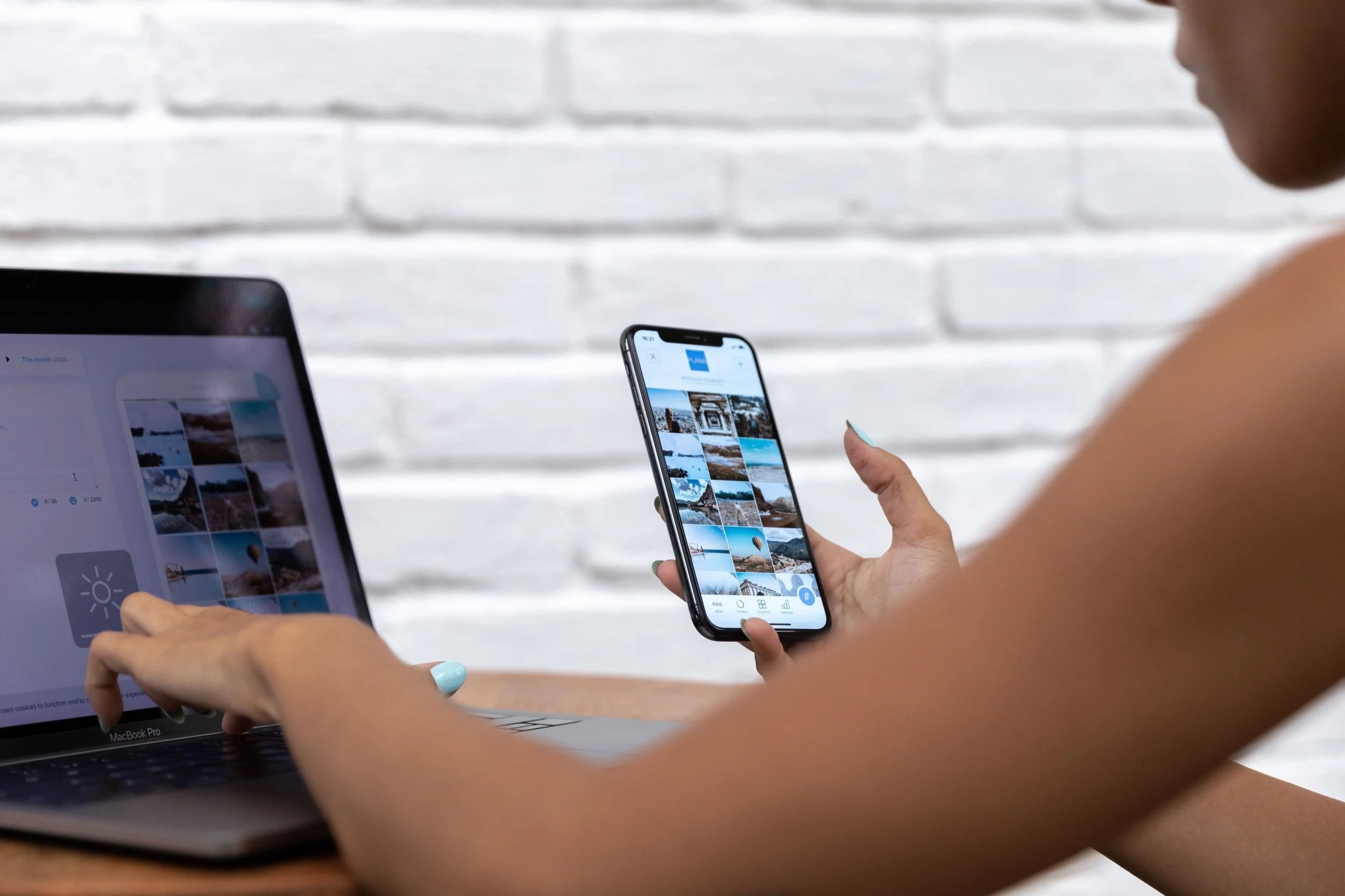
Your Squarespace website might look great on your laptop.
The spacing works. The images look clean. The buttons are in the right place.
Then you open the same site on your phone and suddenly things feel off.
A button is too small. A headline wraps strangely. A form feels awkward. The menu takes too many taps. Something that looked polished on desktop now feels crowded or hard to use.
That is why testing both desktop and mobile matters.
A responsive website is supposed to adjust across screen sizes, but that does not mean every layout will automatically feel right on every device.
Start With Navigation
Your mobile menu should be easy to find, open, and use.
Ask yourself:
Can someone quickly find the menu?
Are the menu labels clear?
Are important pages easy to reach?
Does the menu feel too long?
Can someone close it without struggling?
Mobile visitors should not have to hunt for basic information.
If your navigation works well on desktop but feels confusing on a phone, that can make people leave before they ever reach your services or contact page.
Check Every Button
Buttons deserve more attention on mobile because people are using their fingers instead of a mouse.
Make sure your buttons are large enough to tap comfortably and have enough space around them.
Also check whether the button text is clear.
“Learn More” can work, but sometimes a more specific CTA like:
View Services
Book a Consultation
or
Request an Audit
makes it easier for someone to know what happens next.
And most importantly, test the button.
Do not assume it works just because it looks right.
Test Your Forms on a Real Phone
Contact forms can look perfect on desktop and still be frustrating on mobile.
Try filling out your form yourself.
Check whether:
The fields are easy to tap
The keyboard does not cover important information
Labels are easy to understand
The form feels too long
The submit button is easy to reach
The confirmation message appears correctly
If asking for a quote requires too much effort on a phone, some visitors will simply give up.
Look at Your Spacing
Spacing is one of the easiest things to overlook.
A desktop layout may have plenty of room, but mobile can make sections feel cramped.
Look for:
Text sitting too close to images
Buttons touching other elements
Large empty spaces
Headlines pushed too close together
Sections that feel too long
Good spacing makes your site easier to scan.
And on mobile, people are often scanning quickly.
Check How Your Content Stacks
On desktop, you may have text next to an image.
On mobile, those elements usually stack on top of each other.
That can completely change the order in which someone sees your content.
Make sure the mobile version still tells the right story.
For example, if a headline is separated from the paragraph it belongs to, the page can become confusing.
You also want to check whether important information is pushed too far down because of large images or decorative sections.
Watch Your Headlines
Long headlines can look great across a wide desktop screen.
On mobile, they may become five or six lines long.
That can take up most of the screen before a visitor even reaches the main content.
Check your most important pages and make sure your headlines still feel easy to read.
Sometimes a small wording change can make the mobile experience much cleaner.
Pay Attention to Image Cropping
Images can behave differently depending on screen size.
A photo that looks perfect on desktop may crop out the most important part on mobile.
This matters especially for:
Faces
Products
Portfolio work
Text inside images
Background images
Always preview how those images look on smaller screens.
Do not assume the desktop crop will automatically work everywhere.
Make Sure Important Content Is Still Visible
Sometimes people hide content on mobile because the desktop version feels too crowded.
That can help when used carefully.
But be careful not to hide something important.
Your mobile visitors still need access to your services, pricing information, contact details, calls to action, and anything else that helps them make a decision.
Mobile should be simplified, not incomplete.
Test the Whole Journey
Do not stop at the homepage.
Pretend you are a customer and go through the full experience.
Open the menu.
Visit a service page.
Click a button.
Fill out a form.
Read a blog post.
Go back to the homepage.
Try the footer.
If you sell products, go through the purchase process.
You are looking for small moments of friction.
Those small problems may not seem important individually, but together they can make a website feel difficult to use.
Desktop and Mobile Should Feel Like the Same Brand
Your mobile version does not need to look exactly like your desktop version.
In fact, it probably should not.
A smaller screen requires different spacing and sometimes a different layout.
But the experience should still feel consistent.
The same brand.
The same message.
The same level of quality.
If your desktop site feels polished and your mobile site feels like an afterthought, visitors will notice.
A Quick Mobile QA Checklist
Before you consider your Squarespace site finished, check:
Navigation opens and closes correctly
Buttons are large enough to tap
Forms are easy to complete
Text is readable without zooming
Headlines are not overly long
Images crop correctly
Spacing feels intentional
Content stacks in the right order
Important information is not hidden
Links and CTAs actually work
And test more than one page.
The homepage is only one part of the experience.
Your Website Needs to Work Wherever Your Customer Opens It
A website can look great on desktop and still lose customers on mobile.
That is why responsive design should not just be something Squarespace handles in the background.
It should be something you actively test.
If you are not sure whether your mobile experience is helping or hurting your site, DevButter Digital can take a closer look.
Request a Mobile UX/Site Audit
We can review your Squarespace site across screen sizes and identify issues with navigation, buttons, forms, spacing, and content that may be making the mobile experience harder than it needs to be.